Whether you are freelancing, managing a remote team, or studying online, the modern digital workspace relies on a few core pillars. Working online isn’t just about sending emails; it is about real-time collaboration, clear communication, and organized ideas.
If you are looking to build or streamline your remote workflow, here is a simple breakdown of the five essential tools that make working online seamless.
Working With Documents Online
Gone are the days of attaching static “.docx" files to emails and dealing with confusing file names like "Report_Final_v2_FINAL.docx” Modern document management happens entirely online in real time.
How it works
Platforms like Google Docs, Microsoft 365, and Notion store your files safely in the cloud. Multiple team members can type in the same document at the same time, leave comments, and suggest edits.
The advantage is that version history saves automatically, so you never lose progress or accidentally overwrite important work.
Online meetings

Video conferencing is the digital equivalent of sitting in a conference room together. It bridges geographic gaps and brings a human face to remote teamwork.
How it works
Tools like Zoom, Google Meet, and Microsoft Teams allow audio and video calls over the internet. Features like chat boxes, breakout rooms, and virtual hand-raising keep meetings organized. Face-to-face visual cues reduce misunderstandings and build stronger relationships among remote team members
Presentation Broadcasting

Presenting your ideas effectively online requires more than just sending a slide deck; it requires live broadcasting.
How it Works
Integrated directly into video platforms, screen sharing lets you broadcast your active desktop, a specific browser tab, or a presentation deck (such as Google Slides or Canva) directly to viewers in real time. Presenters can walk audience members through complex visual data, software walk-throughs, or slideshows with immediate audio commentary and instant Q&A.
Notes Management
Keeping track of meeting minutes, quick ideas, and daily action items requires a centralized digital notebook.

How it Works
Note-taking apps like Evernote, OneNote, Apple Notes, and Obsidian organize information into searchable notebooks, tags, and sub-pages. Your notes instantly sync across your laptop, tablet, and smartphone, making your knowledge base accessible anytime, anywhere.
Mind Mapping
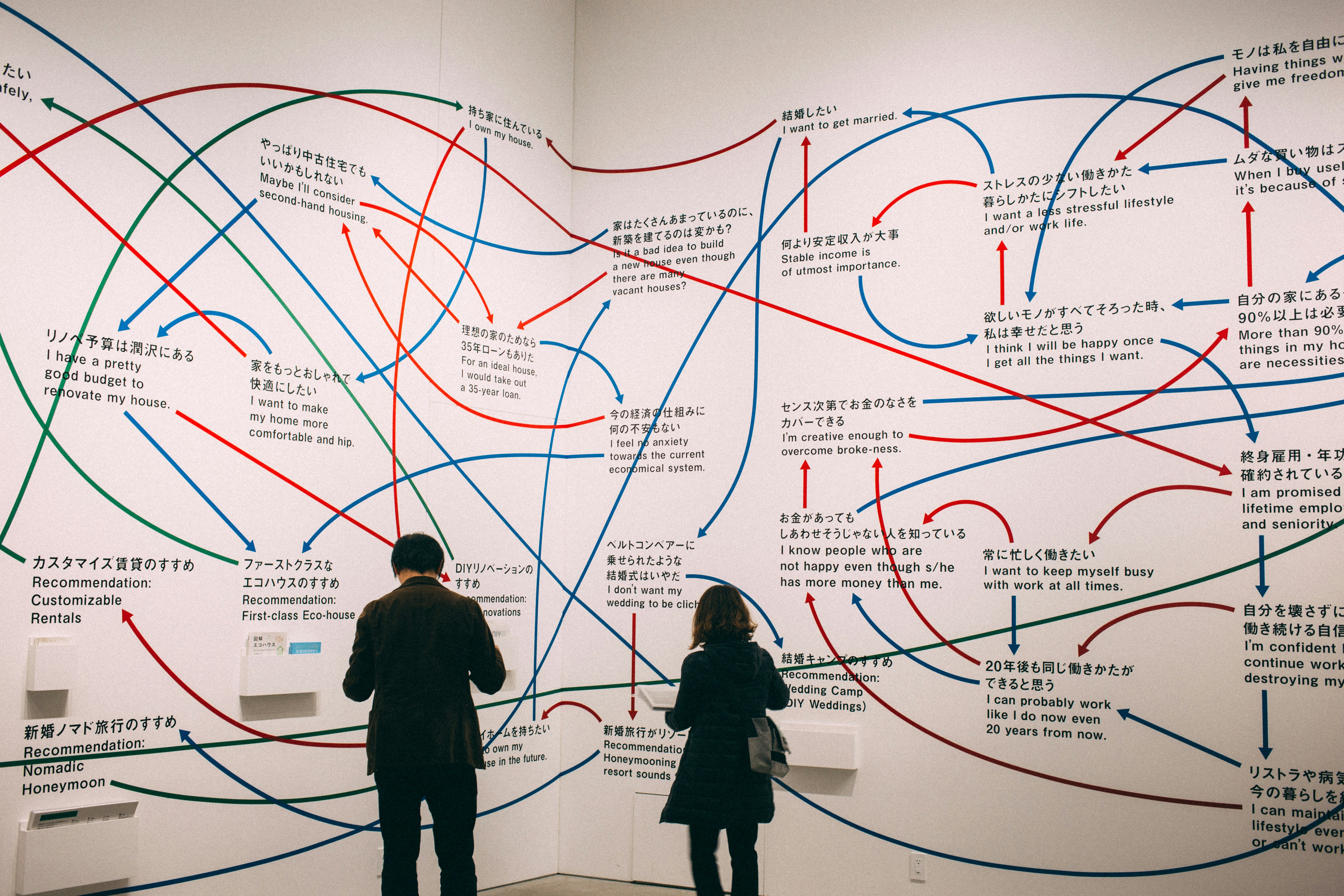
Before a project turns into a formal document or presentation, it usually starts as a messy cluster of ideas. Visualizing these concepts using open-source tools like Freeplane helps transform structured thoughts into clear action plans.
How it Works
Freeplane is a powerful, free, open-source mind mapping application designed to help you organize ideas into nodes, branches, and interconnected concepts. You start with a central topic, press Insert to generate new branches (child nodes), and press Enter to add parallel thoughts (sibling nodes). Unlike basic drawing tools, Freeplane offers deep keyboard shortcuts, customizable node styles, folding/unfolding of sub-topics for clean navigation, and effortless exporting to Markdown, PDF, or HTML. It allows you to rapidly perform a “brain dump” without losing structural clarity.
Bringing it All Together
Mastering online work isn’t about using every tool available, it is about picking one reliable application for each pillar. When your documents, meetings, notes, and mind maps work together seamlessly, working online becomes just as productive (and often more flexible) than working in a traditional office.