Whether you are designing digital artwork, editing photo sessions, or creating motion graphics for the web, stepping up from basic photography to advanced imaging opens up endless creative possibilities. Moving beyond simple point-and-shoot editing requires understanding how digital visuals are built, manipulated, and animated layer by layer.
If you are looking to master graphic editing software or enhance your digital workflow, here is a simple guide to the five pillars of advanced imaging
Image Essentials
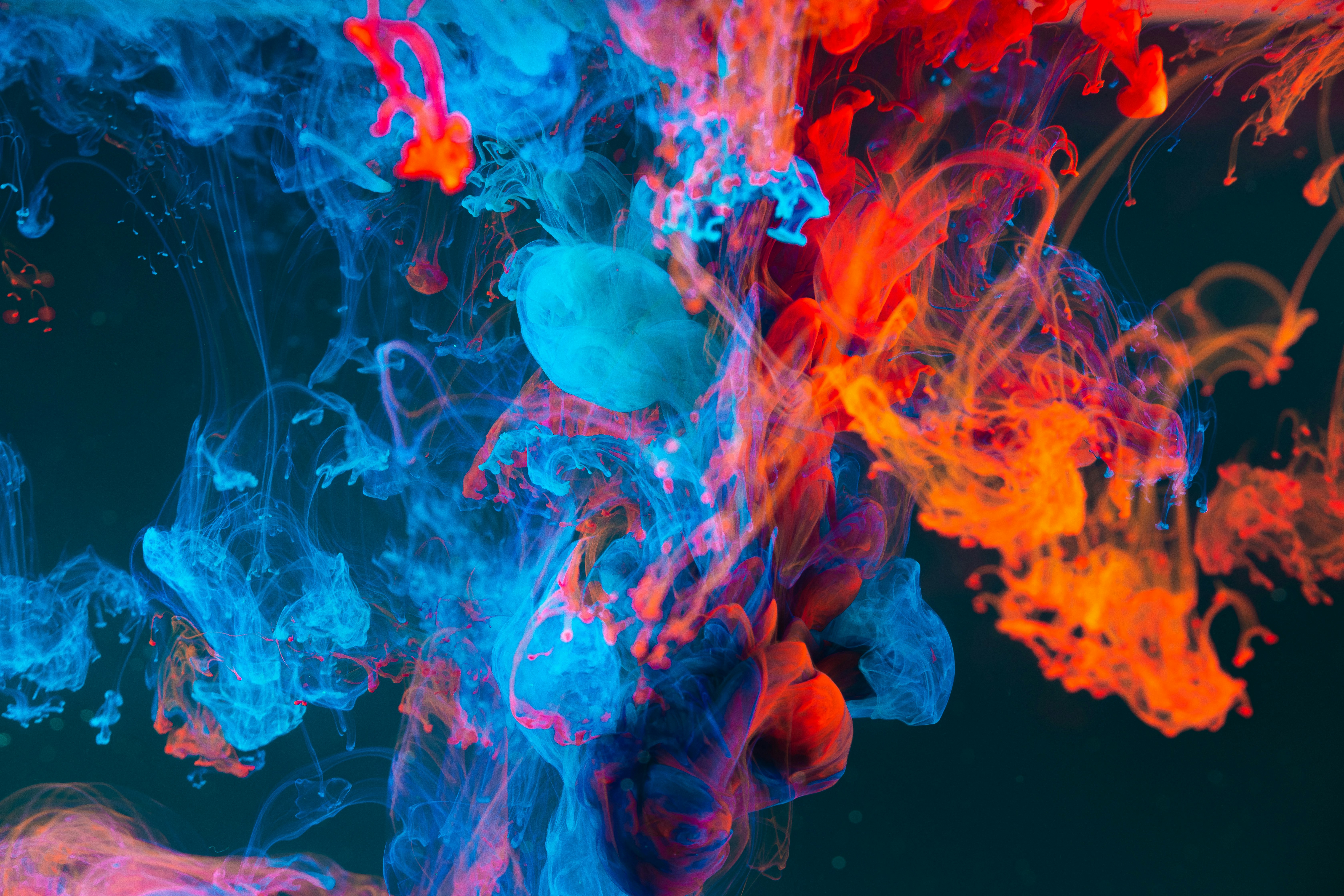
Before diving into complex edits, every creator needs to understand the fundamental building blocks of digital images.
- Pixels & Resolution: Digital images are composed of millions of tiny colored squares called pixels. Resolution (measured in DPI or PPI) determines how crisp an image looks when printed or displayed on screens.
- Color Models: Computers mix colors using RGB (Red, Green, Blue) for digital screen displays, whereas printing uses CMYK (Cyan, Magenta, Yellow, Black) to ensure accurate color reproduction.
- Raster vs. Vector: Raster images (like photos) are pixel-based and can lose quality when enlarged. Vector graphics (like logos) use mathematical lines and shapes, allowing them to scale infinitely without losing sharpness.
Working with Layers
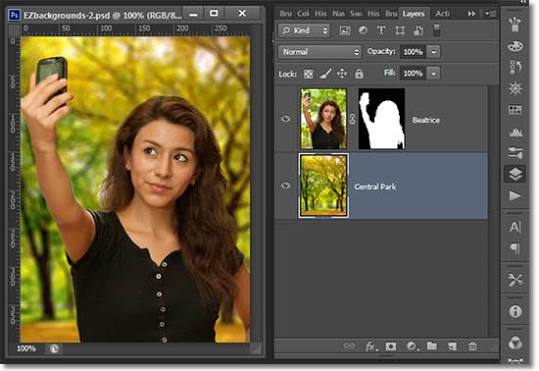
If advanced imaging had a single superpower, it would be layers. Think of layers as transparent sheets of glass stacked on top of one another.
- Non-Destructive Editing: By placing background elements, text, textures, and subjects on separate layers, you can edit or erase one element without destroying the rest of your image.
- Layer Masks: Masks allow you to selectively reveal or hide specific parts of a layer using black and white paint, creating smooth transitions without permanently deleting pixels.
- Blending Modes: Blending modes change how colors and lighting interact between stacked layers, making it easy to add dramatic lighting, shadows, or double-exposure effects.
Image Adjustments
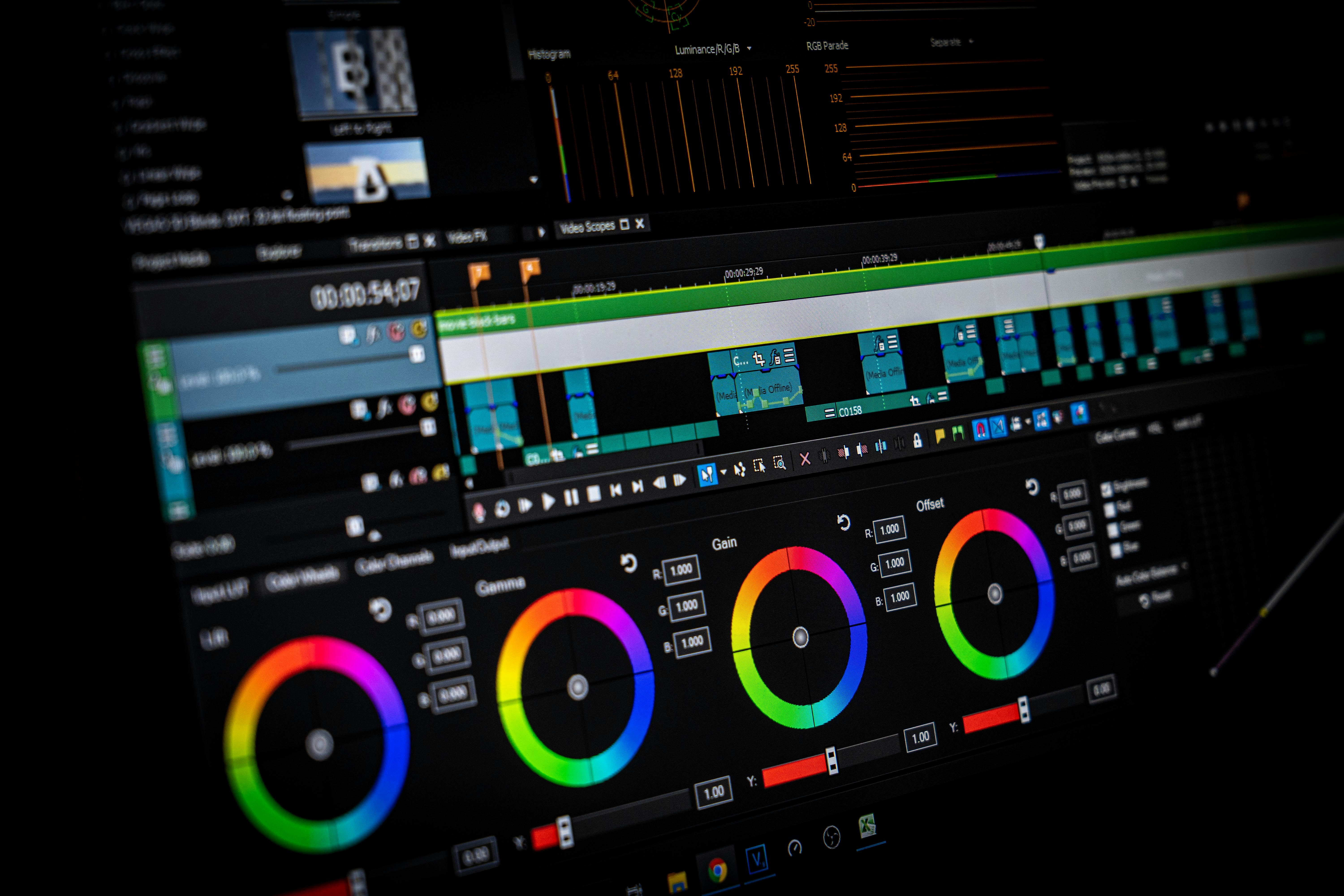
Image adjustments refine the mood, lighting, and overall balance of a composition to turn an average image into a visual masterpiece.
- Tonal Balance (Levels & Curves): Instead of relying on automatic brightness controls, using Curves lets you precisely adjust shadows, midtones, and highlights independently.
- Color Grading (Hue, Saturation & Balance): Color grading sets the emotional tone—whether you want cool filmic blues for a cinematic feel or warm vibrant tones for a sun-drenched portrait.
- Histogram Reading: A histogram provides a graphical graph of tonal distribution, ensuring your whites aren’t overexposed (“blown out”) and your darks retain rich detail.
Retouching & Enhancement
Retouching transforms good photographs into polished, professional graphics by removing distractions and accentuating fine details.
- Spot Removal & Cloning: Using tools like the Clone Stamp or Healing Brush, editors can seamlessly remove dust spots, unwanted background objects, or skin blemishes.
- Dodge & Burn: A classic technique derived from film photography, dodging (lightening) and burning (darkening) adds three-dimensional depth, highlight contours, and dramatic contrast to facial features or landscapes.
- Frequency Separation: An advanced portrait technique that splits texture (skin pores and details) from color/tone, allowing seamless smoothing without making skin look artificial or plastic.
2D Animation Creation
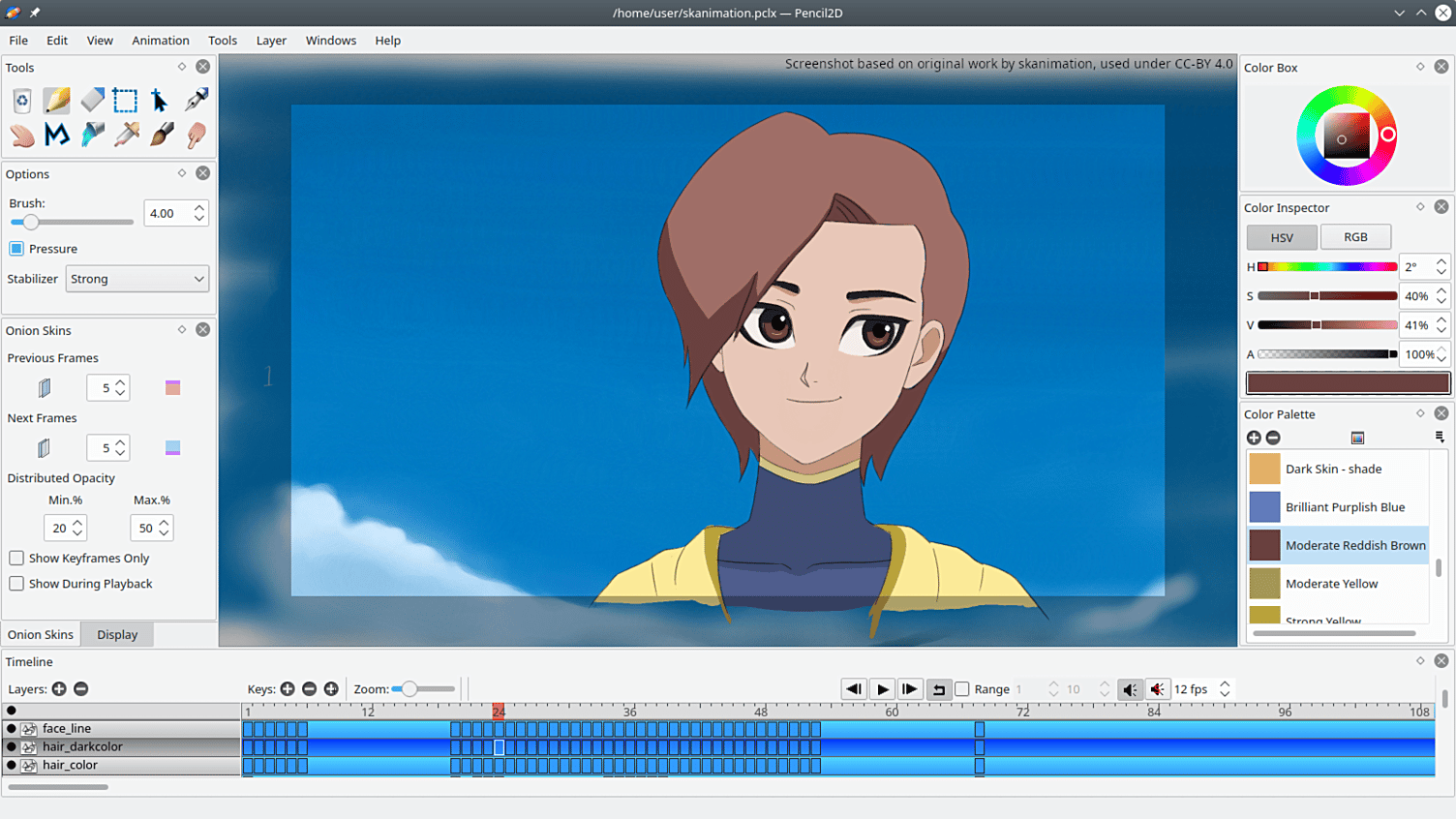
Advanced imaging isn’t limited to still pictures—it also brings graphics to life through motion graphics and frame-by-frame 2D animation.
- Timeline & Keyframes: Digital animation relies on a timeline. By setting keyframes at specific points, the software automatically calculates smooth movement, rotation, scaling, and opacity changes between them.
- Frame-by-Frame vs. Cutout: Creators can choose between classic frame-by-frame drawing for organic motion or “cutout” puppet animation, where layered graphic body parts are linked together and manipulated like digital marionettes.
- Exporting Motion: Once animated, designs are rendered into lightweight formats like animated GIFs, WebP files, or high-definition MP4 videos for web display and digital media.
Mastering advanced imaging is an iterative journey. By mastering pixels and layers first, mastering tonal adjustments and retouching second, and introducing motion through 2D animation last, you unlock complete control over visual storytelling across any web or print platform.